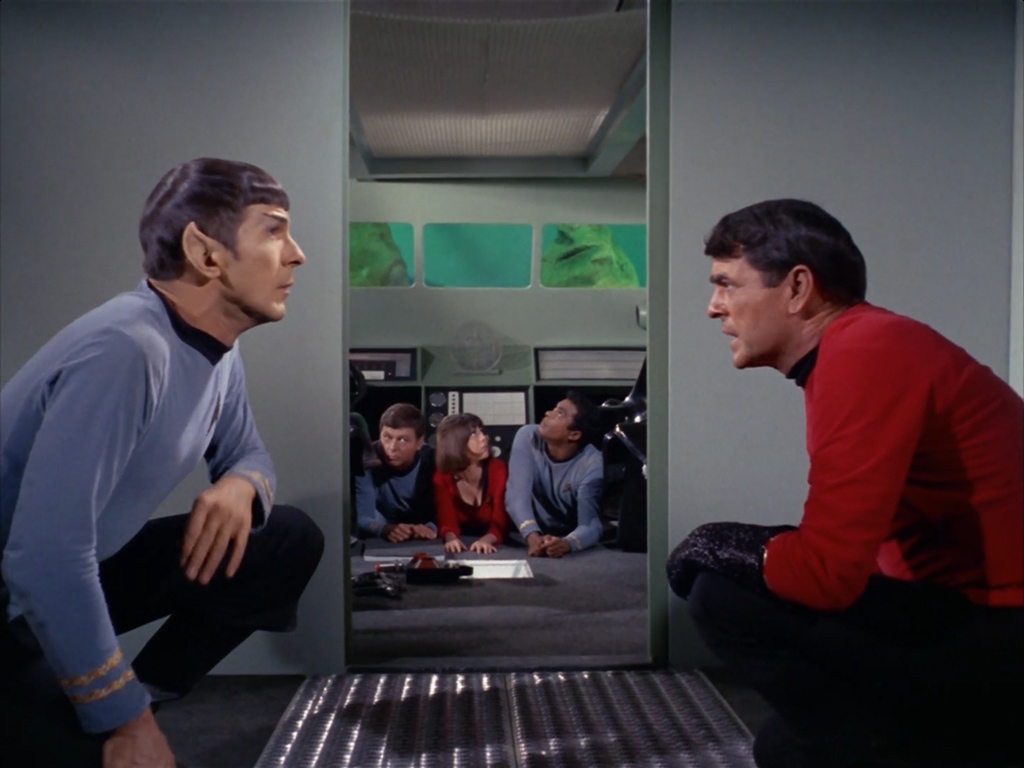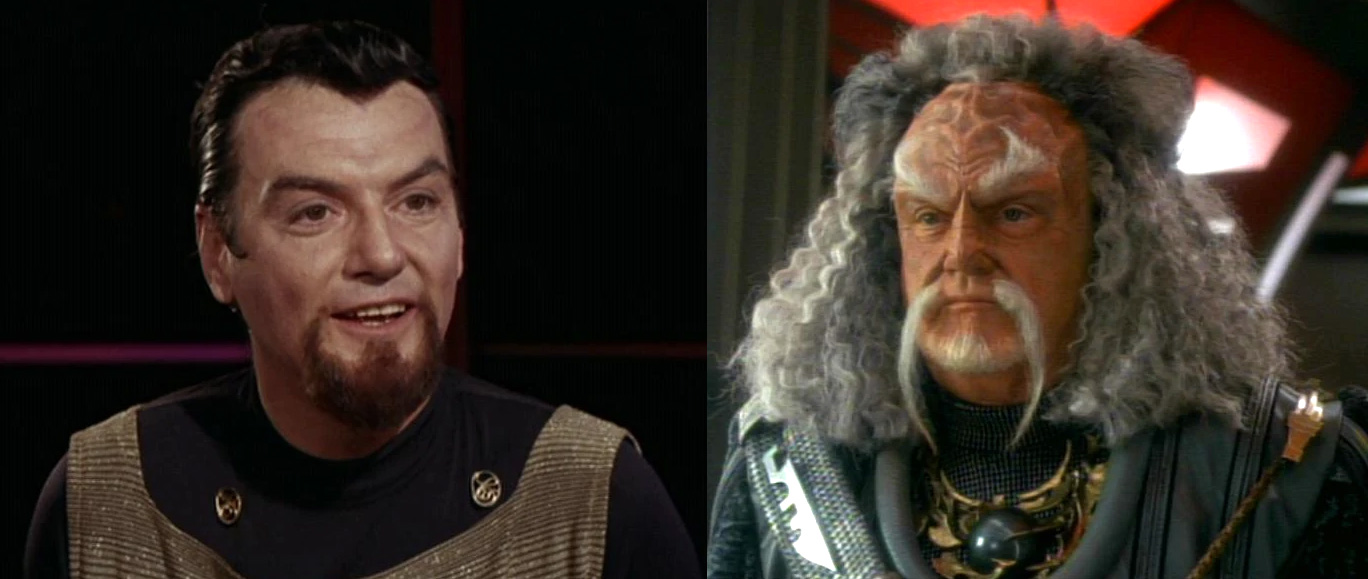
Totally immature, totally tasteless and absolutely hilarious! When I hit the play button I was sure this Trek parody would end up being too long, but by the time it was over, I didn’t want it to end. Can’t imagine the effort it took to find & edit all these clips. The bits with Geordi & Wesley are my favorite, the 4:13 and 6:30 marks almost made me fall out of my chair. Engage and enjoy!
gedblog
A day in the life of me.

Thanks to Erica, I’ve been playing Star Trek Online since closed beta. The game has evolved and improved since that initial release, but overall I’ve been able to get a solid understanding of what it takes to have fun and play well in the universe that Cryptic Studios has created these last two months. The game officially launches in just a few days and I thought I would take a moment to share with you some quick and dirty tips and tricks that will help any new player function effectively in STO. I wish something like this had been available when I started playing World of Warcraft back in 2004. As I learn more I’ll be updating this post with new tips and things to watch for. I hope it’s helpful.
• Playing on a Mac: Although Star Trek Online doesn’t officially have a Mac version, you can certainly play it on one. You’ll need a copy of Boot Camp running either Windows XP SP2 / Windows Vista / or Windows 7 (32 bit). I don’t recommend playing STO using Parallels on a Macintosh, running in emulation mode is too slow. I don’t know how fast your Mac needs to be in order to run the game well in Boot Camp, but obviously the faster the better. I’m running on a 2.8 GHz Intel Core i7 iMac with 8 GB of RAM and the game purrs like a space kitten. TUAW has a great illustrated guide on how to install Win 7 on Boot Camp, check it out.
• Before You Buy: Some special in-game equipment and abilities can only be obtained by ordering the game through a certain retailer. If you order the Deluxe Collector Edition for instance, you’ll get access to Next Generation & movie era uniforms and more. Cryptic offers a complete list of retailers and what you get when you order from each of them. Do your research before you purchase.
• Take Your Time: Customize the appearance of your character at creation. Changing physical attributes, the look of your uniform, etc after your character has been created costs “money” in Star Trek Online in the form of energy credits. The same goes for crew members you recruit.
• Use Your Map: Pressing the “M” key in aboard ship, in spacedock or on a planet displays various types of maps. Before shouting out “where is so-and-so” take a look at your map first, it will often display what you’re looking for. FYI, at Starfleet headquarters, Sulu is in the Admiral’s office.
• Linking Items: You can easily link in-game items you pick up in chat by control-clicking on them.
• Item Rarity: Energy credits can be earned by selling items in your inventory. The more uncommon an item, the more it’s worth. Items in Star Trek Online follow a similar path as those in Warcraft. White: Standard issue, Green: Uncommon, Blue: Rare, Purple: Epic. I don’t know if there are colors beyond purple or even what they’re called yet.
• Loot System: Loot “drops” when certain ships are destroyed, usually the last ship in a squadron. If loot is available to pick up, you’ll see a glowing, floating orange pylon in space or an orange sphere in ground missions. Unlike Warcraft, loot in Star Trek Online is only available to a specific player, so don’t be afraid to pick it up by pressing “F” when you see it.
• You’re In Charge: Don’t forget about equipping your crew as you progress. Those under your command will not pick up loot and equip themselves, so it’s important that you do so for them. A low-level shield may not be useful to you, but could be just what your science officer needs to keep from being sent to sickbay every away mission. Be sure to examine everything before selling it.
• Instances: As of this writing there are no “realms” in Star Trek Online. The game is played on a single, massive server for everyone. There are however, instances within this server. So you can be talking to someone in zone chat who’s at the same location you are and not see them floating in space next to you. You can change instances by clicking on the small downward pointing arrow in the upper right of your HUD.
• Powers: As soon as you get your own ship and are floating above Sol Spacedock, press “P” and open the available list of powers. Drag and drop the shield power management controls into your HUD so you always have access to them during battle. Throwing power to a particular shield has saved me more times than I can count in Star Trek Online.
• Emotes: Click the little Starfleet badge icon in the corner of your chat window to list all of the emotes your character can perform. I especially love the “Tug”, “Dance: Robot” and “Prosper” emotes.
What about you? Do you have tips and tricks for Star Trek Online that other players can benefit from? If so, please leave them in the comments of this post and I’ll add the best ones to the list. Thanks and feel free to add me to your list of in-game friends, I’m Kodos@Gedeon.
All I ask is a tall ship…
Jan 17

Thanks to the generosity of a friend, I’ve been lucky enough to beta test the new MMO, Star Trek Online from Cryptic Studios. The game is set to launch in early February and at least for this Star Trek fan, it’s a winner. Playing around in Gene Roddenberry’s universe has given me a new appreciation for the art direction of designers such as Matt Jeffries and Michael Okuda. Designing anything is challenging, but designing interiors, user interfaces and uniforms of things that have yet to be must be especially difficult.
Most beloved of all the designs of Star Trek is perhaps the bridge of the Starship Enterprise itself. The bridge is the command center of the ship and is often the focus of action on both the big and small screens. Jeffries’ original utilitarian layout eventually gave way to more modern looking interiors, but the basic design (center command chair, flanking support positions) has withstood the test of time. The bridge is such an integral part of Star Trek that due to popular demand, the developers of Star Trek Online recently announced they were implementing them for individual ships within the game. Virtual captains told Cryptic they wanted their “big chair” and the game designers responded in kind.
All of this got me thinking about which starship bridge I liked the best. The answer has to be that of the Enterprise-D from Star Trek: The Next Generation. To many Trek fans this bridge seemed more like a hotel lobby than a high-tech command center, but I always admired its sleek curves, high-tech surfaces and muted colors. The original TV design was modified slightly for Star Trek Generations (seen here) to accommodate new science/tactical stations, giving the set a more cinematic feel.
Designed by Andrew Probert, the bridge of the Enterprise-D was the ultimate set for the weekly TV series. The layout was big enough to allow the actors room to move around comfortably as well as give characters space for private conversations, tucked away from prying ears. The raised back level provided an elevated platform that made Worf look even more imposing while offering Geordi and Data stations where they could work out solutions to the problem of the week. The set also introduced flanking seats to those of the Captain’s something that Star Trek Voyager would also adopt.
In contrast to The Next Generation’s warm earth tones, the bridge of the U.S.S. Voyager presented TV viewers with the cool grays and electric blues so often associated with science fiction. Created by production designer Richard D. James and illustrator Rick Sternbach, the interior design of the bridge of Voyager introduced subtle under lighting techniques that contributed to the “deep space feel” of the show. This design also reduced the traditional two-man con and navigator positions to a single console, putting emphasis on Captain Janeway.
I love the look of these two sets because they put the focus on the characters and their actions rather than the technology all around them. Some production designers tend to get out of hand with their creations and let the look of the set overpower its inhabitants. Voyager’s and Next Gen’s bridges are awesome examples of futuristic interior design precisely because they don’t go overboard. Compare these simple designs to the complex bridges of the Enterprise-E or the franchise reboot and you’ll see Star Trek art direction run amuck. Overlapping lines, textures and lens flares get in the way of the action and detract from the audience’s ability to focus on the characters.
Designing anything, even a fictional universe is an art form. More so when a large part of that universe’s appeal centers around details. Through the years, those entrusted with designing the bridges of Starfleet have evolved and molded it again and again. These talented artists have put their stamp on Gene Roddenberry’s original vision of the future and given Trek fans a place they could easily call home. Star Trek Online will soon give players a chance to roam the bridges of some of the most beloved starships in Star Trek history, all from the comfort of their computers. So until we can all afford to build a bridge in our basement, a virtual one has to be the next best thing.
Biff’s Question Song
Dec 31
To be fair to actor Tom Wilson, who played the infamous bully Biff from the Back to the Future films, I’d probably ask him all of these questions too. That’s why I’m so glad I discovered this gem of a clip where Tom puts all of the answers to song. The result is something that should somehow be worked into the next season of Big Bang Theory. Enjoy!
Hat tip to IO9 for this post
My Most Anticipated of 2010
Dec 14
With so much to look forward to in the coming year, I thought I would assemble a list of just some of the things I’m anticipating most. All of the things on my list have been in development for a very long time, and all of them are coming to a head in 2010. If you’re like me, then you know at least a one item on this list, if not then hopefully you’re in for a few pleasant surprises.
• • •
![]()
Star Trek Online
Video Games
When Star Trek Online finally beams down in February of 2010, the game will have been in development for over 6 years. This massively multiplayer online role-playing game (MMORPG) has the potential of being the best online experience since Blizzard’s hugely popular effort, World of Warcraft. Players will be able to command their own starships, explore strange new worlds, and team up to defeat classic Star Trek enemies such as the Borg and Klingons.
Historically, video games based on the Star Trek franchise have not been widely successful. I have a feeling that Star Trek Online is about to change all that. How do I know? I’ve played it. That’s right I’ve sat in the Captain’s chair and I am here to say STO is a winner. I can’t divulge much due to the closed beta NDA except to say that Cryptic Studios has managed to capture this Trekkie’s heart with their incredibly fun and detailed futuristic universe. Star Trek Online enters public beta in January of 2010. Unfortunately no Mac or Linux version is planned for launch, but there is a logical alternative. If you own a fast Mac and aren’t afraid to run Windows via Boot Camp, there’s no reason you can’t go where no one has gone before. Make it so!

• • •
![]()
The Pacific
Television
From Producers Tom Hanks and Steven Spielberg, the team that brought us the Emmy Award winning miniseries, Band of Brothers, comes The Pacific. I first wrote about this HBO 10-part drama back in April of 2007 and have been waiting for it ever since. The original Band of Brothers was a tour de force showcasing the gritty realism and heroic courage of WWII in Europe. The Pacific aims to tell the story of a small group of Marines in the Pacific theater of battle and includes an almost entirely unknown cast of actors.
The Pacific is based on two memoirs of U.S. Marines: With the Old Breed by Eugene Sledge and Helmet for My Pillow by Robert Leckie. The series will tell the stories of the two authors and Marine John Basilone, as the war against the Empire of Japan rages. According to Wikipedia, the series will feature well-known battles involving the 1st Marine Division, including Guadalcanal, Cape Gloucester, Peleliu, and Okinawa, as well as Basilone’s involvement in the Battle of Iwo Jima. While Band’s battle scenes rivaled anything on the silver screen, it was always the thoughtful stories of the men who fought and died for their country that made the series so compelling. The Pacific is set to air on HBO in March of 2010.
• • •
![]()
The Return of Futurama
Television
You just can’t keep an animated robot and his hilarious best friends down. After a pre-mature cancellation by Fox in 2003, Futurama found new life in syndication thanks to Cartoon Network’s Adult Swim and Comedy Central. The show’s creators, Matt Groening and David X. Cohen teamed up and briefly brought Futurama out of deep freeze with the release of 4 straight-to-DVD movies, the last of which was released in early 2009. On June 9th, 2009, Comedy Central announced that they had picked up the show for 26 new half-hour episodes which are due to start airing in mid-2010.
I’ve been a personal fan of this deeply funny show since the first day it aired on Fox. While I have enjoyed the DVD films, the 1.5 hour format really didn’t suit Futurama and the stories lost focus. I’m confident that returning to the 1/2 hour format will make all the difference as the writers, producers and voice actors once again lift us to new heights of geek-filled fun. Plus, I’m dying for new material for my Futurama icon sets!
• • •
![]()
Super Mario Galaxy 2
Video Games
When it was released in November of 2007, Super Mario Galaxy quickly became hailed as one of the greatest video games of all time. As the flagship title for the new Nintendo Wii, Galaxy brought the beloved Mario series to a whole new level. The game challenged gamer’s preconceptions of 3D level design as Mario dashed and jumped around and across entire planets on his hunt for Power Stars. Adding to the game’s impact were the over 20 fresh and epic musical tracks scored by composer Koji Kondo. Although few sequels live up to the thrill of the original, knowing Shigeru Miyamoto as they do, Nintendo fans everywhere are anxiously awaiting Super Mario Galaxy 2’s appearance sometime in 2010. Count me among them.
• • •
![]()
Apple iPadd
Technology
Rumors of the mythical tablet computer from Apple have been swirling for the better part of a decade, but it wasn’t until the iPhone came along that the possibility of such a device seemed real. Add to that slips of the tongue from newspaper and magazine publishers, supposed patent filings and oodles of fake mock-ups and suddenly rumor becomes reality. If speculation is to be believed, then the iPadd (my pet nickname for the device ode to the ubiquitous tablet computers from Star Trek) will arrive sometime in March or April for under $1,000.
When all is said and done, the bigger question might be why is Apple making a tablet computer in the first place? The answer seems to be to do for books what the iPod did for music, that is to revolutionize it. Steve Jobs is apparently setting Apple up as the direct competitor to the hugely successful Kindle from Amazon, and that’s just fine with me. Call me crazy, but I think if you’re going to let users download and read books in bed, that device should have built-in backlighting. Oh, and color would be great too.
I could easily see my trusty iPadd coming in handy while I watch TV to tweet a snarky comment or to look up a movie reference. I could also see myself propping up the device on a nifty stand to display the recipe du jour as I cook. Oh yes, if and when the iPadd comes, I’ll probably find a way to talk myself into needing it along with millions of other consumers. Curse you Steve Jobs!
• • •
![]()
TRON Legacy
Movies
This long-awaited sequel to Disney’s original TRON has geeks everywhere spazzing out. The story follows Flynn’s son Sam as he attempts to track down his missing father. Inside the cyber world audiences first visited in 1982, the programs have become more advanced, video games more violent and cyberspace more deadly.
The sequel will feature original TRON stars Jeff Bridges as Kevin Flynn and Bruce Boxleitner as Tron himself. Given the advancements that have been made in computer special effects in the past 28 years, TRON Legacy promises to be a visual spectacle unlike anything movie goers have ever seen. Disney has scheduled the release date of the film as December 17th, 2010, a year and a few days from when I write this. Only time will tell if it’s worth the wait.
• • •
New Blue for You
Nov 27
![]()
The New York Times reported this past week that chemists at Oregon State University have created an all-new, extremely durable and intense blue pigment. Like so many other famed scientific discoveries, this one came as a complete surprise to Mas Subramanian, a professor of material sciences, who was attempting to make new compounds for use in electronics.
Subramanian and his fellow professors discovered that by mixing manganese oxide with other elements and heating them to very high temperatures (2000 degrees F), crystals were formed that reflected only blue light. The potential uses for this new pigment are vast, especially since so many of the modern blues in use can fade or, in some cases, are toxic. The only stumbling block seems to be the use of an expensive chemical, indium, which the researchers are now attempting to substitute for a less expensive component.
I love stories like this because it reminds us that science isn’t always about creating super conductors or finding a cure for cancer. Although such discoveries are important in their own right, finding a new blue reminds us that chemistry is the basis for everything in the natural world, including the colors we see each and every day. An awesome, elegant and artful combination.
The Domino’s Effect
Nov 12

Back in August I wrote a post about the need for increased feedback in the review process for Apple’s App Store. I made the thoughtful (and delicious, I might add) case for how the folks at Domino’s had the right idea when they unleashed their famed Pizza Tracker into the online world. The Pizza Tracker allows customer to see each step of the pizza making process thereby eliminating anxiety, fear and doubt in the mind of the hungry consumer. It stood to reason that one of the ways Apple could make the whole review process easier for the fragile psyche of today’s iPhone devs would be to supply more information when apps are submitted for review. I’d love to claim that it was my well-timed blog post that spurred Mr. Jobs into action, but alas I have no tangible proof.
What we do know however is that Apple has introduced a new status history to the review process thereby removing some of the mystery of where your app is on its road to public release. As Mashable reported this week, it may not tell you the actual name of the individual(s) reviewing your application, but it does let you know what stage your app is in, why it might have been rejected, how to correct and so on. This is certainly good news for iPhone developers like myself who no doubt take the change to mean Apple is listening to its critics. The change comes just a bit too late for famed iPhone developer Joe Hewitt however.
Hewitt, the noted dev behind the massively popular Facebook app, announced rather publicly this week he was abandoning the iPhone in favor of mobile web-based applications. Hewitt cited the restrictive policies of Apple’s app review process as the main reason he was leaving and it’s more than fair to say his departure has made other developers sit up and take notice. Overall I find Joe’s protest a good thing but considering his application had the App Store approval process wrapped around its little finger, more than a little ironic. At one point, the Facebook app had no less than 3 updates pushed to the App Store within 72 hours of each other. This is something unheard of in the iPhone development community, unless of course you’re a massive juggernaut like Facebook.
In the end, Apple’s addition of the new status history and even Joe’s rather public resignation from the App Store should help the platform. These developments can’t come soon enough. The staggering growth of applications for the iPhone has meant ever-decreasing visibility for publishers, longer wait times, mounting frustrations and increased competition. With this week’s update, Apple is doing what it can to help turn the tide of criticism before it snowballs out of control. I just wish they’d have delivered it in 30 minutes or less.
UPDATE: Add iPhone developers Rogue Amoeba to the list of developers who are quitting the platform. Four months of delays, roadblocks and black bag treatment by the App Store and it’s broken (yes, it really IS broken) review process has been enough for them. In my Losing iReligion blog post, I said that if things didn’t get better, we’d start to see developers head for greener pastures. Guess what? It’s really starting to happen. All those who commented that there’s nothing wrong with the App Store, go read RA’s post. Then read it again. Not surprisingly, it’s going to take more than a status history to make iPhone developers happy.
UPDATE II: Brett Archibald Jeff Lamarche offers a different view of the Rogue Amoeba situation and comes to the defense of Apple and the App Store. Jeff makes some good points, it’s certainly not a black and white issue. I think the thing that makes RA’s situation so bad is that it took 4 months to resolve. Three-four weeks inbetween submissions to know if your fix is correct is unacceptable in my book.
Mental Health Break
Oct 25
At the risk of becoming a YouTube blog, I present you with four very awesome videos. Sometimes surfing the web can lead to random discoveries that turn out to be treasures in their own right. After finding these wonderful clips I just had to share so if you have time, be sure to check them all out, they’re really worth it.
• Take On Me-A-Ha-Ukulele Cover (via Buzzfeed)
• Hitler Upset By Balloon Boy Hoax (via @arlo)
Intel Rockstar
Oct 11
The new Tonight Show with Conan O’Brian has been hit or miss since its debut, but this wonderfully geeky bit is right on the money. Conan Interviews the co-creator of the USB port, Ajay Bhatt with hilarious results. Check it out, the end alone is worth the price of admission.
Hat tip to Mashable for this post.
Losing iReligion
Sep 28
![]()
A great deal has been written about the App Store, both good and bad, and much of it comes from developers I know and respect. It almost seems pointless to add my own thoughts to those who are more widely known and respected than I am, but given how my feelings have evolved regarding the App Store recently I think it’s worth a shot. If what I have to say gives a potential iPhone developer reason pause and re-examine their entry into the space then it will have been worth it.
The App Store is broken. I know from the outside glancing in, it may not look that way but it is. It also doesn’t seem like it’s broken from Apple’s point of view since the store and its tens of thousands of software titles have helped place the iPhone firmly at the head of the smart phone industry. But speaking as a small developer who’s been releasing Mac software for over a decade, the App Store is broken. The ironic part is that if you had asked me this a few months ago I would have denied it with my dying breath.
Since it first launched in July of 2008, the App Store has been evolving and changing to suit the needs of both Apple and consumers. Unfortunately for developers many of these changes have hurt more than they have helped. The utter race to the bottom of the pricing structure by thousands of developers has created tremendous pressure to set applications at either free or near free price points. I know this first hand because when Twitterrific for the iPhone first debuted we set it’s price at $9.95 which, by today’s App Store standards, is almost unheard of. It wasn’t long before lagging sales and increased pressure from competition forced the Iconfactory to lower the application’s price to $3.99, still “expensive” by App Store standards. Not only was the price lowered, but the feature set was more than doubled and yet many users still complain it costs too much. While these changes represent perks for users, it also means that sustaining profitability for a given piece of software in the App Store is nearly impossible unless you have a break-away hit.
This leads me to the next point of failure for the App Store – visibility. Everyone has heard about the so-called “gold rush” certain developers have experienced. Flight Control’s 1.5 mil sales record. Trism’s incredible $250,000 short-term bonanza. But for every one of these lottery wins in the store, there are hundreds, if not thousands of developers who see little if any return on their investments of time and money. What’s worse, the success or failure of a particular piece of software in the App Store depends as much on Apple deciding to feature your creation as the creation itself. One can shift the tables in one’s favor with a sizable advertising budget, but many of us like the Iconfactory don’t have such generous resources at our disposal.
When the Iconfactory & DS Media Labs released our latest iPhone game, Ramp Champ, we knew that we had to try and maximize exposure of the application at launch. We poured hundreds of hours into the game’s development and pulled out all the stops to not only make it beautiful and fun, but also something Apple would be proud to feature in the App Store. We designed an attractive website for the game, showed it to as many high-profile bloggers as we could prior to launch and made sure in-app purchases were compelling and affordable. When the moment came, Ramp Champ shot up the charts quickly but just as quick, it hit a brick wall. Within days the app that had peaked at #56 on the top paid chart fell off the top 100 despite receiving praise from users and reviewers alike. The lack of store front exposure combined with a sporadic 3G crashing bug conspired to keep Ramp Champ down for the count.
A new version that corrected crashing was completed quickly, but once again the App Store reared it’s broken head as the review process kept the fix out of user’s hands for almost two weeks. By this time it was too late and momentum had been lost. Despite a “What’s Hot” feature by Apple in the App Store, Ramp Champ’s sales have not lived up to expectations for either the Iconfactory or DS Media Labs. What’s worse, many of the future plans for the game (network play, online score boards, frequent add-on pack releases) are all in jeopardy because of the simple fact that Ramp Champ hasn’t returned on its investment.
In order for a developer to continue to produce, they must make money. It’s a pretty simple concept and one that tends to get lost in the excitement to write for the iPhone. It’s difficult for me to justify spending 20-50 hours designing and creating new 99¢ levels for Ramp Champ when I could be spending that time on paid client work instead. I would much rather be coming up with the sequel to Space Swarm than drawing my 200th version of a magnifying glass icon. But I’d also like to have some assurances from Apple about reducing the length of the App Store approval process, having the ability to respond to factually incorrect iTunes reviews, not be limited to 100 beta testers, or that large, prominent developers won’t always get preferential treatment. In short, I’d like to know things will be fixed and I don’t mean merely posting a page of marketing text in iTunes Connect.
It is a truism that everyone who creates content is a control freak. From fine artists that decide what gallery their work will hang in, to architects who scratch tooth and claw with stubborn clients about what materials will be used in construction. Software developers are no different. We all want as much control over our creations as we can possibly have and the App Store in it’s current state has removed a significant level of control from our hands. I’m not ready to throw my lot down with those who have renounced the platform just yet, but unless some significant changes come very soon, myself and others like me will have no choice but to focus our development efforts elsewhere.
UPDATE: Several developers have contacted me and told me privately that they think it isn’t so much the App Store that’s kept Ramp Champ from being a success as it is the game itself. Given the fact that Freeverse’s newly released and shallower ‘Skee Ball’ currently sits at #6 in Top Paid apps in the store, part of me wants to agree. I could second-guess myself about what didn’t go right with Ramp Champ but in my heart of hearts I know RC is better than 90% of the games that get to the top of the list. I have to keep telling myself that what doesn’t kill us will make us stronger in the end. Hopefully.
UPDATE II: Seems I’m not the only one cooling to the idea of developing for the iPhone. Macworld’s Dan Moren reporting from the C4 independent developers conference says many of the developers are frustrated at their lack of control in the App Store. I’m glad to know I’m not the only one.
UPDATE III: Marco Arment has written an excellent piece that addresses my post. I agree with much of the analysis there and tend to think that their may indeed be “two App Stores” so to speak. As a result of suggestions from both Marco and the commenters here, Ramp Champ’s vague app store description has been re-written and new screen shots posted to show more content. Thanks to everyone who suggested these changes, I think they will definitely help sales.